

How to Create a Card
- Go to the Cards page (left sidebar).
- Click the Create Card button in the top-right corner.
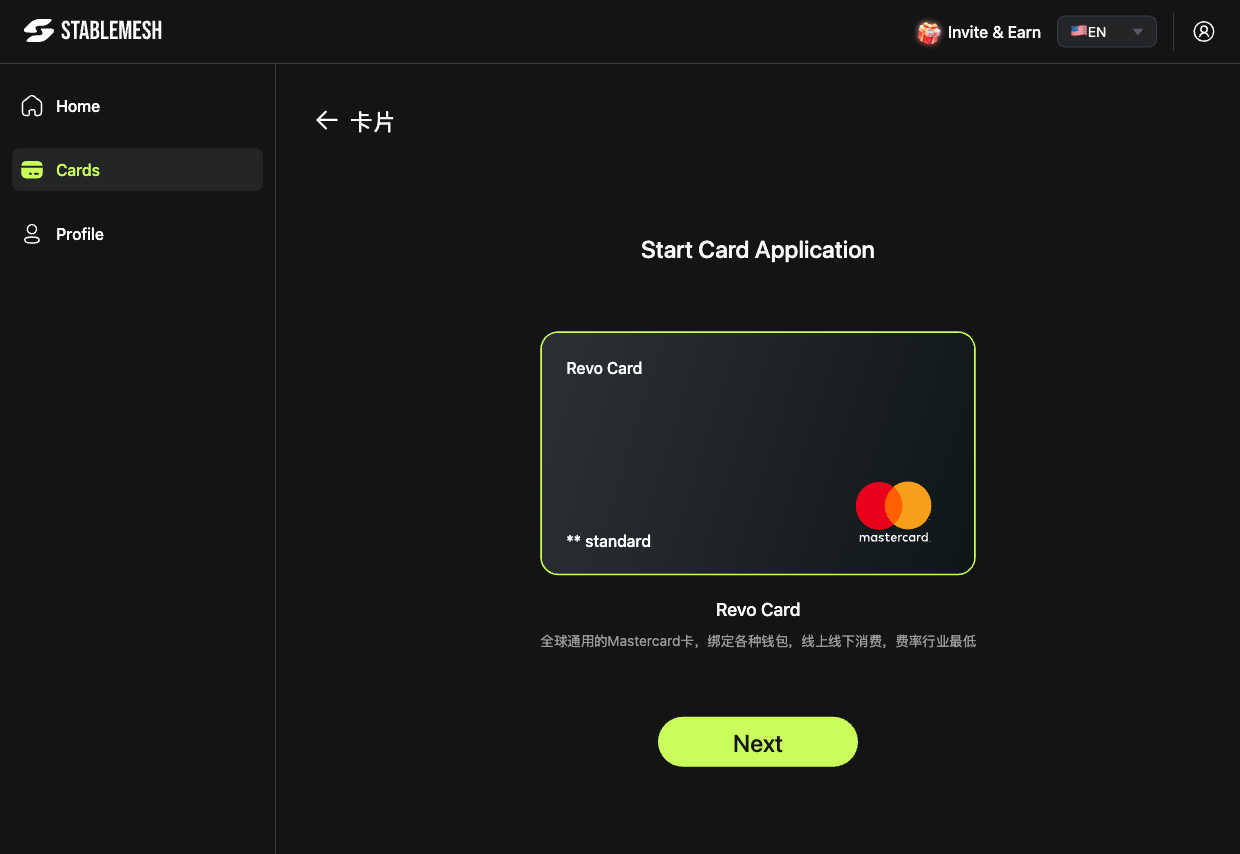
- The Start Card Application screen opens.
- Select your card type — currently available:
Revo Card
- Click Next and follow the on-screen steps to complete your card application.
After Creating a Card
Your new card appears in the Cards list with an initial balance of $0. To start using it:- Top up the card with funds from your crypto wallet.
- View your card details to get the card number, expiry, and CVV.
You can create multiple cards for different purposes — e.g. one for subscriptions, one for ad spend, one for team use.